

You’re running a customer success team, and you know the score: your best customers slip away quietly. You catch churn too late. Growth opportunities hide in plain sight. Account health signals get buried in disconnected spreadsheets and scattered Slack conversations.
The manual approach, tracking accounts by gut feeling, reactive outreach, and heroic effort, doesn’t scale. But orchestrating your entire customer lifecycle does. When you connect your systems, automate health checks, and trigger proactive interventions based on real signals, churn drops and expansion revenue rises.
Here’s what customer success lifecycle and account health orchestration actually looks like in practice, and why it’s worth the investment.
What Customer Success Lifecycle Orchestration Really Solves
Customer success lifecycle orchestration is the systematic coordination of every stage your customer goes through: onboarding, adoption, expansion, and renewal. Instead of isolated activities managed by separate team members, orchestration connects the dots across your entire post-sale operation.
Think of it this way: you’re not just managing individual customers. You’re guiding cohorts through predictable journeys where every touchpoint, data sync, and handoff happens on schedule and with full visibility.
Account health tracking sits at the center of this. Real-time metrics tell you which accounts are thriving, which are at risk, and which are ready to expand. You move from reactive firefighting to proactive engagement.
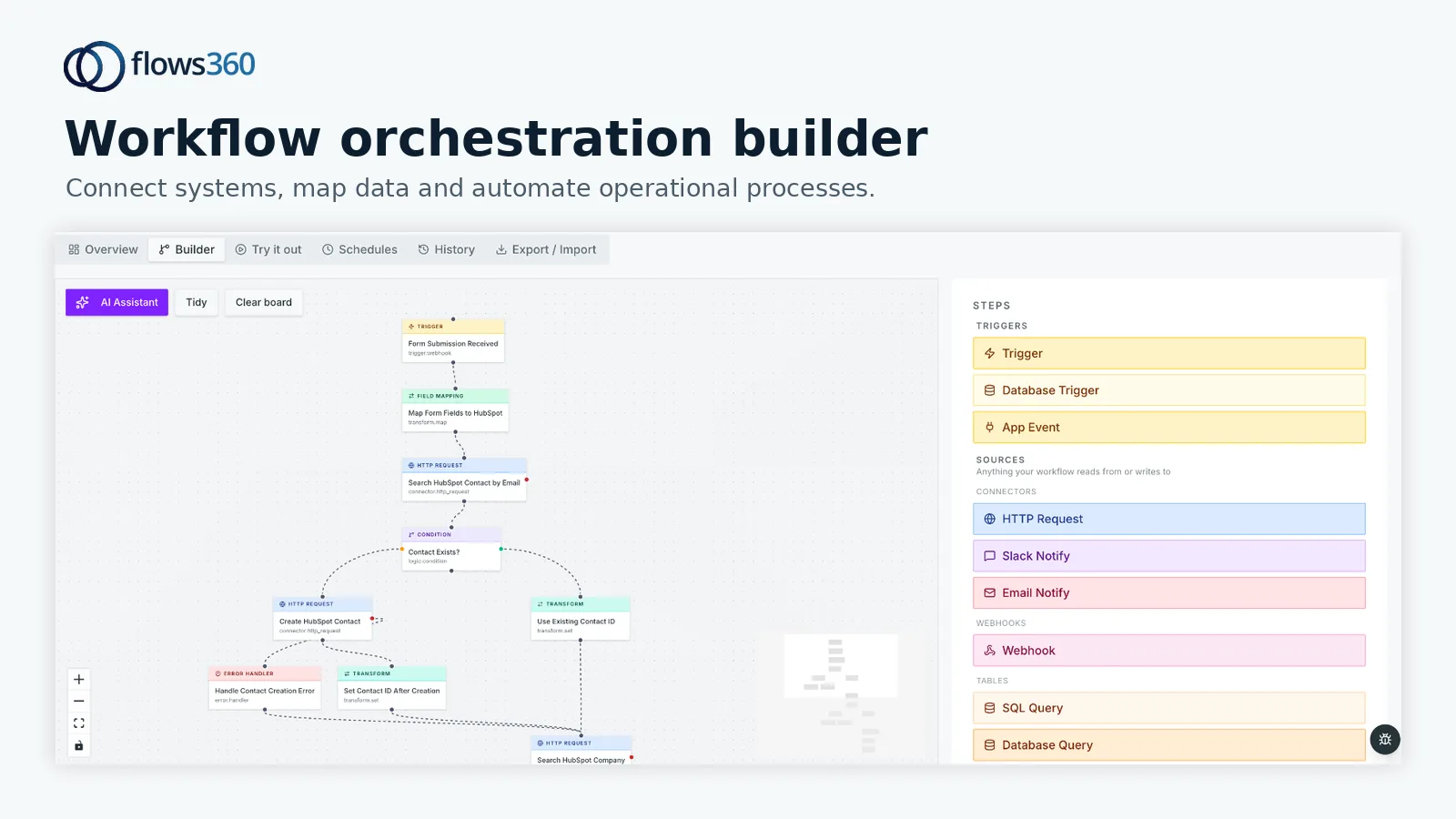
Flows360 helps teams orchestrate these workflows by connecting your CRM, product data, billing systems, and engagement tools into a single source of truth. Health signals flow automatically. Interventions trigger without manual effort. Your team focuses on relationships, not data entry.
The Core Benefits: Churn Prevention, Expansion, and Scalability
Let’s be direct about what orchestration delivers:
- Churn prediction and prevention. When account health data flows continuously from your product, usage, and engagement tools, you spot risk early. A customer’s feature adoption drops. Their login frequency declines. Support tickets spike. These signals reach your team immediately, not weeks later. You intervene before they leave.
- Expansion identification. Orchestration reveals which customers are expanding their use of your product, hitting feature limits, or using adjacent products. Your team identifies and pursues these opportunities systematically, not by accident.
- Lifecycle coordination. Instead of onboarding teams, support teams, and expansion teams working in silos, orchestration ensures handoffs happen cleanly. A customer completes onboarding. Adoption tracking begins automatically. When health scores dip, renewal risk flags get communicated. No gaps. No duplicated effort.
- Scalability without proportional headcount. Automation frees your team to handle more accounts without adding proportional staff. Health checks, status updates, and initial outreach happen systematically. Your people focus on complex relationship work that requires judgment and empathy.
Real Use Cases: Where Orchestration Matters Most
Account health orchestration isn’t theoretical. Here’s where it creates measurable impact:
Early churn detection. A mid-market SaaS company tracks account health across three dimensions: product usage (login frequency, feature adoption, active users), support signals (ticket volume, resolution time, escalations), and business metrics (usage trending up or down, contract value at risk). When usage drops below threshold for two consecutive weeks, a health score decreases automatically. Your CS team sees it immediately and reaches out for a check-in call. You catch the problem before it becomes irreversible.
Renewal risk management. Renewal dates matter. But so does account trajectory. Orchestration flags accounts that are simultaneously approaching renewal AND showing declining health. Your team prioritizes these appropriately. You dedicate senior attention where it matters most instead of treating all renewals equally.
Expansion motion automation. Your billing system shows accounts with room to add seats or upgrade tiers. Orchestration combines these signals, scores expansion readiness, and kicks off outreach workflows automatically. CSMs get a ranked list of expansion opportunities. They close more deals with the same effort.
Multi-stage lifecycle handoffs. A new customer signs. Automatically, they enter your onboarding workflow. Welcome sequences flow. Kick-off meetings schedule. Training resources deploy. When onboarding milestones complete, they transition to adoption tracking. Health metrics begin flowing. When adoption stabilizes, expansion criteria activate. Your team never misses a stage transition, and customers receive consistent experiences.
Without orchestration, these require manual tracking in spreadsheets, email reminders, and Slack pings. With it, they happen deterministically and at scale.
How to Know If You Actually Need It

Not every team needs sophisticated orchestration immediately. But you probably do if:
Related: Customer Success Lifecycle & Account Health Review: Real Example
Related: Customer Success Lifecycle & Account Health Orchestration Review
- You’re managing dozens of accounts and your team can’t track all health signals manually.
- You’re losing customers to churn that felt preventable if you’d known sooner.
- Your team spends 20-30% of time pulling data, updating spreadsheets, or manually triggering outreach.
- You have multiple post-sale tools (CRM, product analytics, support platform, billing) that don’t talk to each other.
- Your expansion pipeline feels reactive instead of systematic.
- Renewal outcomes surprise you because you didn’t see account health deteriorate early.
If most of these resonate, orchestration will pay for itself by reducing manual work and improving outcomes. Flows360 connects your systems and automates these workflows with real-time visibility and governed execution, so your team spends time on high-value relationships instead of data hygiene.
See where your workflows are leaking time?
The Implementation Reality
Orchestration requires three things: integration, configuration, and discipline.
Integration. Your CRM, product platform, billing system, and support tools need to sync data continuously. This isn’t optional. Without it, health signals stay siloed and you’re back to manual work. The integration needs to be reliable and governed so bad data doesn’t propagate.
Configuration. You define what “account health” means for your business. Which metrics matter most? How do they weight together? What thresholds trigger intervention? What workflows follow? This requires collaboration between your CS leader, finance, product, and operations team. It’s not a one-person job, but it’s finite work with a clear end.
Discipline. Once configured, your team needs to trust the system and act on its signals. If your orchestration flags a renewal at risk but your CSM ignores it because “I know this customer,” you lose the benefit. Orchestration works best in teams that commit to it.
Implementation timelines vary. You can start with a single lifecycle stage (onboarding, for example) and expand. Or you can design the full journey upfront and roll it out in phases. Either way, you’re looking at weeks to a couple months before you see traction, not years.
Common Objections and What Actually Matters
“Won’t automation make our customer relationships feel cold?” No. Automation handles data sync and routine triggers. Your team still owns the relationships. Freed from data entry, they actually spend more time with customers, not less. Quality goes up.
“What if the system flags accounts incorrectly?” It will sometimes. That’s why governance matters. You design workflows with human approval gates. Not every signal requires immediate action. Critical escalations require a human review. You build in guardrails.
“Isn’t this just another tool to manage?” Potentially. But if your current setup involves three spreadsheets, two CRM views, a Slack bot, and a manual calendar, orchestration actually reduces tools and cognitive load. You consolidate fragmented workflows into one system.
Getting Started: What to Do First

Start by mapping your current lifecycle. Where are accounts right now? Onboarding? Active? Expanding? At risk? What signals determine each stage? What should happen automatically versus requiring human judgment?
Document your biggest pain point. Is it churn blindness? Missed expansion opportunities? Renewal surprises? Focus there first. Quick wins build momentum and trust for broader rollout.
Then assess your system landscape. What data lives where? How fresh is it? What integrations already exist? This assessment informs whether you need a lightweight orchestration approach or a more comprehensive platform.
If your systems are fragmented and your team is manually reconciling data across tools, Flows360 can help you connect these systems and automate the workflows that matter. You get visibility into account health in real time and the ability to trigger interventions systematically.
Is account health orchestration expensive?
Cost depends on the complexity of your systems, the number of workflows, and the volume of data flowing through them. Simple orchestration connecting two systems costs less than complex multi-system workflows with conditional logic. Most teams find that reduced manual effort and improved churn/expansion outcomes offset the investment within the first year. Current pricing varies, so check with Flows360 for specifics relevant to your setup.
How long does implementation take?
You can pilot a single workflow in a few weeks. Full lifecycle orchestration typically takes 2-3 months from initial design to production use, including system integration, configuration, testing, and team training. Phased rollouts extend this timeline but reduce risk.
Can we start small and expand later?
Yes. Many teams start with renewal risk detection or onboarding workflow automation, then add expansion scoring and churn prediction. Build foundational integrations first, then layer on orchestration workflows as you gain confidence and identify priorities.
What happens if our team doesn’t follow the orchestration signals?
Orchestration only works if your team acts on it. This requires leadership commitment, clear escalation protocols, and regular review of whether signals are actually predictive. If your system is frequently wrong, fix the configuration rather than ignoring it. If your team won’t adopt it, address the change management upfront.
See where your workflows are leaking time?