

Your finance team is probably drowning in spreadsheets right now. Every month, the same ritual plays out: manual journal entries, reconciliations that take days, variance reports built from scratch, approvals that get lost in email chains. Automating month-end close procedures cuts through all that noise and gets your close done faster, with fewer mistakes.
Here’s what you need to know upfront: systematic automation of month-end close reduces manual effort by 30-50%, improves accuracy, and accelerates your financial reporting cycle. But getting there requires more than just connecting tools. You need a clear strategy, process standardization, and the right platform to orchestrate everything end-to-end.
Let’s walk through exactly how to do it.
Map Your Current Close Process Before You Automate
The biggest mistake finance teams make? Automating chaos. You can’t automate a broken process and expect it to work better.
Start by documenting your month-end close as it actually happens right now. Not the way it should happen. The way it really does. Map out every step:
- Who pulls data from which systems?
- What manual transformations or calculations happen in spreadsheets?
- Where do approvals get stuck?
- Which reconciliations take the longest?
- What reports get built every month from scratch?
Write it down. Diagram it if you can. This is your baseline.
The goal here isn’t perfection. It’s visibility. Once you see the real flow, you’ll spot the inefficiencies that are actually costing you time. Some will surprise you. A task you thought took an hour might be broken across three people and actually take a day.
Identify High-Volume, Repetitive Tasks to Automate First
Not all close tasks are created equal. Some happen once a month and require judgment. Others happen 50 times a month and follow the exact same pattern every single time.
Prioritize the second category. These are your automation wins:
- Accounts receivable and payable processing: Matching invoices, aging schedules, exception reporting.
- Reconciliations: Bank reconciliations, intercompany reconciliations, balance sheet accounts.
- Journal entry posting: Accruals, allocations, reclassifications that follow predictable rules.
- Variance analysis: Comparing actual-to-budget, period-to-period, or actual-to-forecast with automated investigation reports.
- Data consolidation: Pulling figures from your GL, CRM, billing system, and project accounting into a single working model.
Pick the three tasks that eat the most time. Those are your first automation targets.
Related: How to Sync CRM With Billing System: Step-by-Step Guide
Consolidate Your Data Sources
Here’s the hard truth: your close won’t get faster until your data gets cleaner. If your finance team is manually entering data from five different systems into a spreadsheet, you haven’t solved anything by automating the spreadsheet.
Related: Automating Financial Compliance Workflows: A Practical Guide
You need to consolidate your data sources. That means connecting your general ledger, billing platform, CRM, and any other operational systems that touch your close process. Real-time data flows from source systems mean no manual pulls, no rekeying, no version control nightmares.
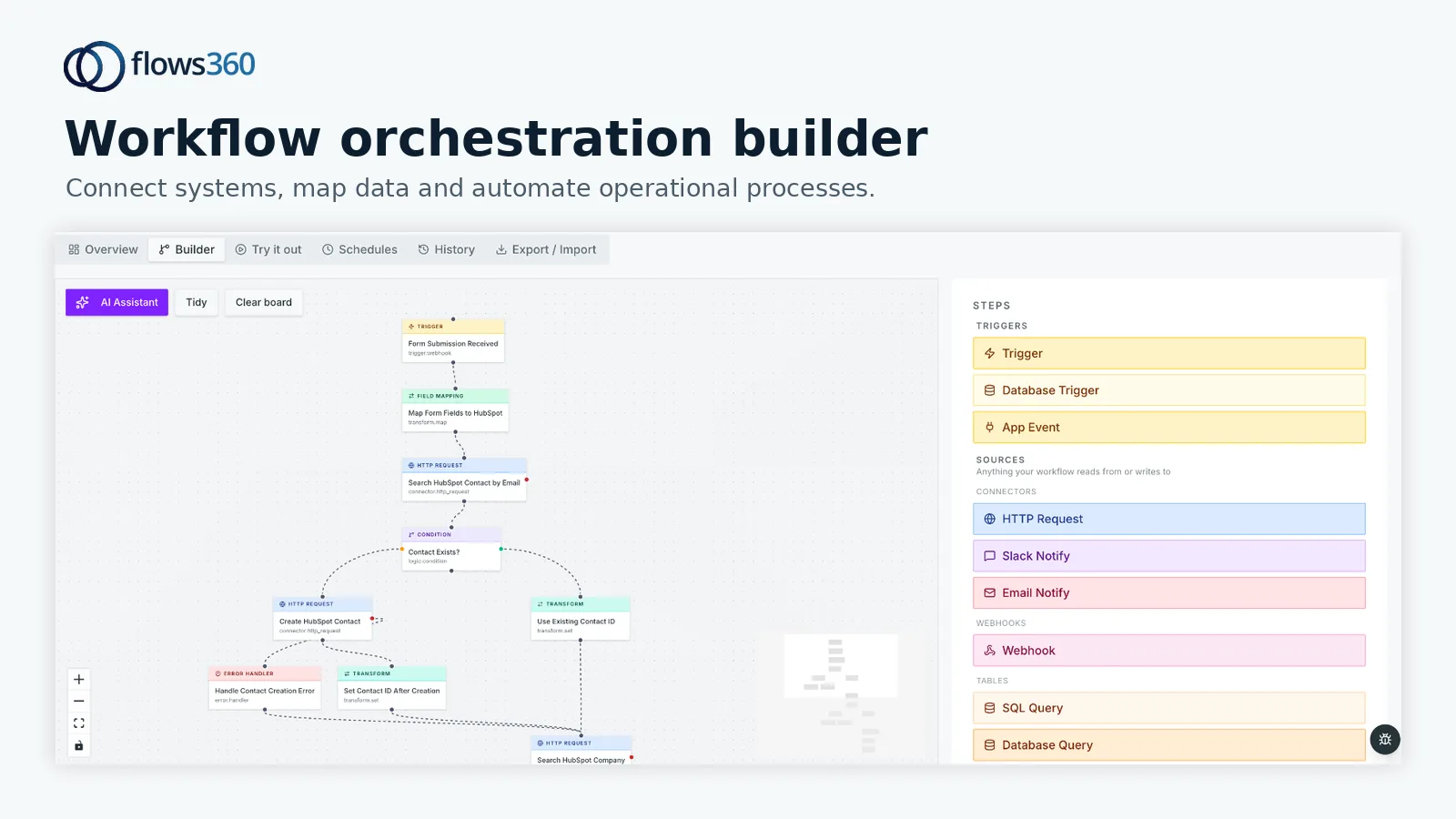
This is where Flows360 comes in. Instead of building fragile point-to-point connections between your systems, you orchestrate all your data flows through a single platform. Your GL talks to your AR system, which feeds your reconciliation reports, which route to approval workflows. All governed. All auditable. All happening automatically on your schedule.
See where your workflows are leaking time?
The consolidation step takes time upfront, but it compounds. Every automation you build afterward moves faster because your data foundation is solid.
Build Automated Reconciliation and Variance Workflows
Once your data is flowing, start with reconciliations. These are the workhorses of month-end close. Bank recon. Intercompany matching. Suspense account clearing. Balance sheet roll-forward.
Automation works here because reconciliations follow rules. If the customer payment matches the invoice, clear it. If the intercompany balance doesn’t match, generate an investigation report automatically.
The same logic applies to variance analysis. You can automate the entire process: pull actual results from your GL, pull budget or forecast from your planning system, calculate variances, identify which line items are outside tolerance, generate the investigation report, and route it to the owner for explanation.
What used to take your team two days of manual work happens overnight. Your team opens their email in the morning and sees completed reconciliations and variance reports waiting for review.
Standardize and Document Your Approval Workflows

Automating the mechanical tasks is half the battle. The other half is making sure approvals happen on time, in the right order, with a clear audit trail.
This is where most finance teams struggle. Approvals live in email. Someone forgets to hit reply. A spreadsheet gets approved without the latest version. A manager approves something they didn’t actually review.
Your automation platform should enforce approval workflows. Journal entries route to the controller only after they’ve been reconciled. Variance explanations don’t close until both the business owner and finance have signed off. Everything gets timestamped and logged.
That audit trail is critical. When your external auditors ask why a number changed, you can show them exactly when, by whom, and based on what supporting detail. No guessing. No digging through email.
Set Up Real-Time Close Visibility
Your close process shouldn’t be a mystery until the final day. You need to see what’s done, what’s in progress, and what’s blocked.
Automated workflows give you this visibility by design. Your platform logs every step. You can see that 87 of your 90 AR reconciliations are cleared, which three are pending explanation, and which team member is responsible for each one.
Build a simple dashboard that shows your close status in real-time. How many journal entries have been posted? How many are pending approval? Which reconciliations are done, in progress, or overdue? What’s the current timeline to completion?
This changes everything. Your CFO knows exactly where you stand instead of having to ask every day. Your team stays focused because blockers are visible immediately, not discovered at 4pm on the last day of the month.
Implement Governed AI for Variance Investigation
One of the newer capabilities in modern close automation is AI-powered variance investigation. Instead of a human manually digging into every P&L variance, your system can:
- Flag unusual patterns automatically
- Suggest explanations based on historical context
- Prioritize high-impact variances for human review
- Generate preliminary investigation reports for approval
This isn’t replacing your team’s judgment. It’s eliminating the grunt work so they can focus on the variances that actually matter.
The key word here is “governed.” You need full visibility into how AI is making recommendations. You need to be able to audit the logic. You need deterministic, repeatable results, not black-box magic. That’s what Flows360 delivers: AI that’s transparent and auditable, built for finance teams that need to trust every number.
Test Your Automation Before Month-End
This sounds obvious, but it’s where most implementations fail. You build a beautiful automated workflow, flip it on during the actual close, and discover a bug that breaks everything.
Test in a sandbox environment first. Run your automated close for a prior month and compare the results to your original close. Do the reconciliations match? Are the journal entries posting correctly? Did the approval workflows route everything to the right people?
Fix the issues while there’s no time pressure. Once you’re confident, run a dry run during the actual close period but don’t go live yet. See how it handles real data, real timing, real complexity.
Only then do you flip the switch for production.
Build Compliance and Audit Controls Into Every Workflow

Automating your close means you’re relying on systems to make decisions. That creates risk if those systems aren’t auditable.
Every automated decision should be logged. Who authorized this workflow? What data triggered this journal entry? Why did this variance get flagged? Who reviewed and approved this before it posted to the GL?
Your platform needs to make this audit trail automatic. Not an afterthought. Not something your team has to manually document. Built in from day one.
This is non-negotiable for finance. Your auditors will expect it. Your leadership will demand it. Your team will need it to troubleshoot problems.
Monitor Performance and Refine Continuously
Your first month of automated close won’t be perfect. But it will generate data. Track these metrics:
- How many manual steps were actually eliminated?
- How much faster did the close finish?
- How many errors did automation catch?
- Where did new bottlenecks appear?
- How much time did your team actually save?
Use this data to refine. Maybe approval workflows are routing to the wrong person. Maybe a reconciliation is triggering false positives. Maybe there’s a new repetitive task that wasn’t visible before.
This is continuous improvement. You’re not done once you’ve automated. You’re building a better process month after month.
The teams that get real ROI from close automation are the ones that treat it as an ongoing program, not a one-time implementation project. They measure results. They listen to feedback. They keep improving.
Make Month-End Close Predictable and Auditable
The end goal here isn’t to eliminate your finance team. It’s to shift them from doing repetitive manual work to doing what they’re actually good at: analysis, judgment, and control.
When you automate the mechanical parts of your close, your team can focus on variance investigation, account analysis, and making sure the numbers are actually right. They become advisors instead of data-entry workers.
And your close becomes predictable. You know exactly when it will finish. You know every step was executed according to your standards. You have a complete audit trail. No surprises on the last day. No post-close adjustments because someone missed something.
That’s what proper month-end close automation looks like. If you’re ready to explore what this means for your organization, Flows360 is built exactly for this kind of workflow orchestration across your finance and operations systems.
FAQs
How long does it take to automate month-end close procedures?
It depends on your starting point. If you have clean data and well-documented processes, you can automate basic reconciliations and journal entries in 4-8 weeks. A full end-to-end close automation including variance analysis, approvals, and real-time visibility typically takes 3-4 months. The time investment upfront pays dividends because your team saves that much time every single month going forward.
What’s the biggest challenge when automating month-end close?
Data quality. If your data sources are inconsistent, incomplete, or poorly structured, automation will just make bad data move faster. Before you automate, you have to standardize and clean your data. That’s the unsexy work that takes time but transforms everything downstream.
Can you automate month-end close if you use multiple accounting systems?
Yes, but it’s harder. You need a platform that can connect to all your systems, pull data from each one, standardize it, and orchestrate workflows across them. Point-to-point connections break easily. A centralized integration platform like Flows360 handles the complexity so your team doesn’t have to. Real-time data flows, governed approval workflows, and complete auditability across all your systems.
What should we automate first in our month-end close?
Start with your highest-volume, most repetitive task. For most finance teams, that’s either AR/AP processing or bank reconciliation. Pick the one that takes the most time and has the fewest exceptions. Automate that first, prove the value, then expand to other areas. Quick wins build momentum and executive support for bigger automation investments.
See where your workflows are leaking time?