

You’re running NetSuite for your financials and Salesforce for your pipeline. But they’re not talking to each other. Leads live in one system, orders in another, and your team is stuck manually copying data between them. That’s where automatic synchronization comes in.
NetSuite and Salesforce can sync automatically, and it’s more straightforward than you might think. But “automatic” doesn’t mean “set it and forget it.” You need to plan the sync carefully, map your fields correctly, and test it thoroughly before going live. Let’s walk through how to do this right.
How to Sync NetSuite With Salesforce Automatically
NetSuite offers native connectors to Salesforce that enable direct synchronization without requiring a third-party tool. This built-in integration supports core business objects like customers, opportunities, orders, invoices, products, leads, quotes, and transactions. If you’re working with standard NetSuite and Salesforce objects, you can often get started without extra complexity.
Related: How to Sync CRM With Billing System: Step-by-Step Guide
Related: Salesforce to Accounting System Integration: Complete Guide
However, most organizations need more than the basic sync. You might have custom fields, unique naming conventions, or specific business logic that the standard connector doesn’t handle. That’s where Flows360 and similar integration platforms become valuable. These tools let you build custom synchronization workflows that handle your specific requirements, including field mapping, conditional logic, and error handling.
The key is understanding what you’re actually trying to sync. Are you pushing customer records from NetSuite to Salesforce? Pulling opportunities back? Syncing both ways so changes in either system flow to the other? Each scenario requires different configuration.
Set Up Bidirectional Sync for Real-Time Data Flow
Unidirectional sync is simpler, but bidirectional sync is what most operations teams actually need. With bidirectional sync, when your sales team updates a customer record in Salesforce, that change flows back to NetSuite. When finance closes an order in NetSuite, Salesforce sees it immediately.
Related: Best NetSuite CRM Integrations for Revenue Teams 2026
This requires more careful planning. You need to define field ownership: which system is the source of truth for each field? If both systems can write to the same field, you’ll create conflicts. NetSuite and Salesforce integration platforms handle this through rules you define upfront. You specify which fields sync in which direction, and the platform enforces those rules on every sync cycle.
You also need to understand object dependencies. Orders depend on customers. Quotes depend on opportunities. If you sync these out of order, you’ll end up with orphaned records or failed syncs. The platform handles sequencing, but you need to map the dependencies first.
Map Your Custom Fields and Data Dependencies
This is where most sync projects hit friction. NetSuite has its own field architecture, Salesforce has another, and they don’t always line up. You might have a custom field in NetSuite called “Account_Type” that maps to Salesforce’s “Industry_Category.” The platform doesn’t know that unless you tell it.
Before you configure anything, document your field mappings. Create a spreadsheet listing every NetSuite field, its corresponding Salesforce field (if one exists), and the transformation logic needed. Do you need to split one field into two? Concatenate values? Apply conditional logic based on record type?
Object write limits matter too. NetSuite and Salesforce both have rate limits on how many records you can write per transaction. If you’re syncing thousands of customer records, you need to batch them appropriately. Sync platforms handle this, but you need to configure batch sizes based on your volume and system capacity.
Plan Testing and Failure Recovery Before Going Live

You should run recovery and failure tests in a non-production environment before going live. Set up sandbox copies of both systems, configure your sync, and then deliberately break things. What happens if the connection drops mid-sync? If a required field is missing? If a duplicate record is created? You want to know this in a sandbox, not in production.
Document your workflow requirements and sync configuration in detail. This becomes your blueprint for troubleshooting and for handing off to other team members later. Include:
- Which records sync in which direction
- Sync frequency (real-time, hourly, daily)
- Field mappings and transformation logic
- Conflict resolution rules
- Error notifications and escalation procedures
Test data mismatches. NetSuite and Salesforce often represent the same data differently. A phone number might be formatted as in one and 5551234567 in the other. Currency values might use different decimal precision. These mismatches cause silent failures where the sync runs but the data doesn’t match. Catch these during testing, not after launch.
Choose Your Integration Approach
You have two main paths: use NetSuite’s native Salesforce connector, or build custom workflows on an integration platform. The native connector works well if you’re syncing standard objects with minimal customization. It’s simpler and doesn’t add another tool to your stack.
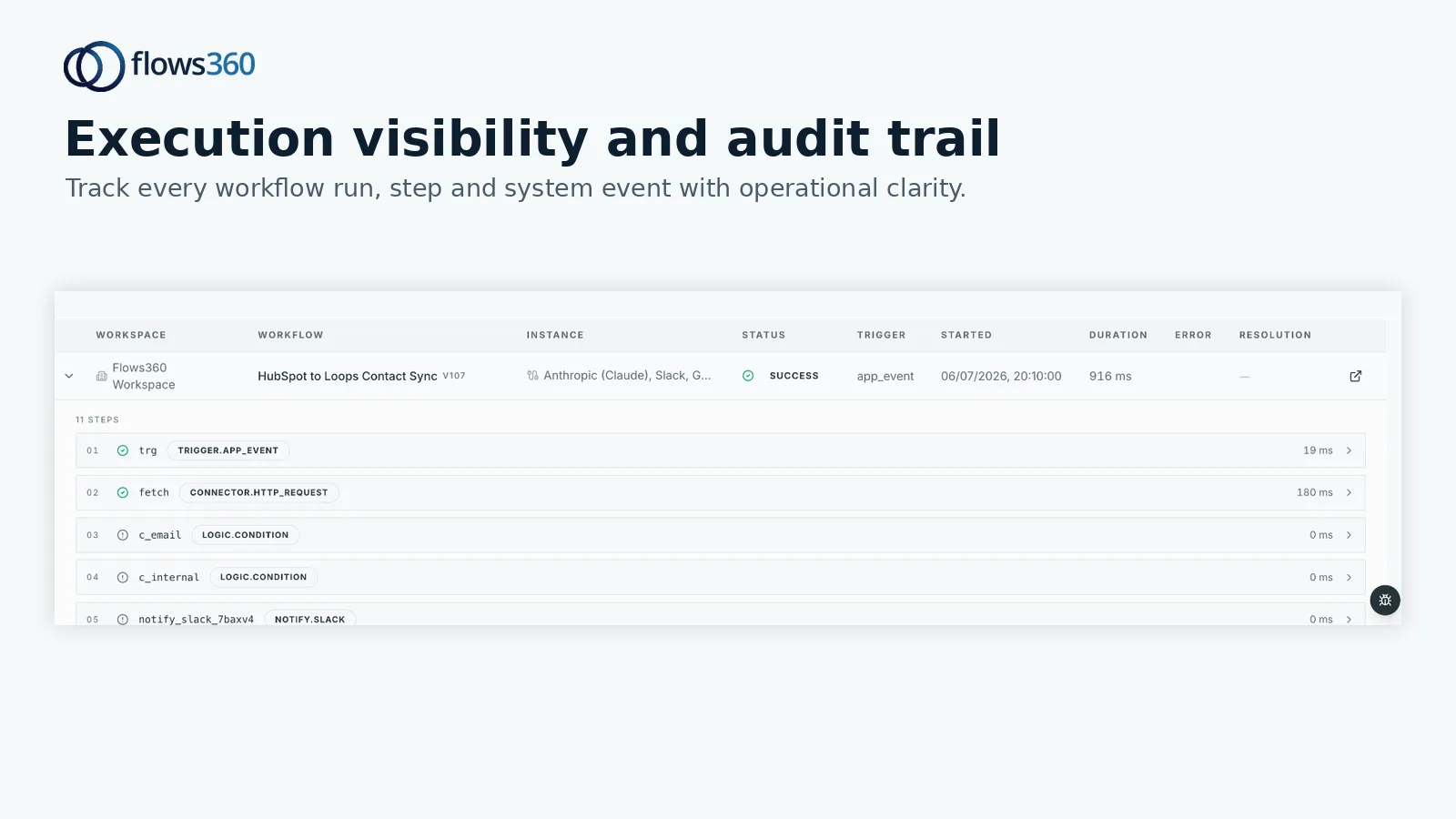
But if you have custom fields, complex business logic, or need to sync data that the standard connector doesn’t support, you’ll need a platform like Flows360 that lets you build governed, auditable workflows. This gives you visibility into every sync, detailed error logging, and the ability to pause or retry failed syncs without losing data.
See where your workflows are leaking time?
The platform approach also handles governance better. In regulated industries like finance or healthcare, you need audit trails showing exactly what synced, when, and who approved it. Integration platforms built for operations teams provide this out of the box.
Establish Data Governance and Monitoring
Once your sync is live, you can’t just let it run unsupervised. Set up monitoring and alerts. If syncs start failing, you need to know immediately, not three days later when your team notices discrepancies.
Define what “success” looks like. Is it just that the sync completes without errors? Or does it include validation checks? Maybe you want to alert if a customer record syncs but is missing a required field in Salesforce. The more specific your success criteria, the faster you’ll catch real problems.
Assign ownership. Who’s responsible for monitoring? Who fixes sync errors? Who can pause the sync if something’s broken? Clear ownership prevents issues from falling through cracks.
Schedule regular reconciliation. Even with automatic sync, periodically compare records between systems to catch issues that slipped through. A weekly spot-check of 50 random customer records takes 30 minutes and can save you from discovering a systematic sync problem months later.
Execute Your Sync With Confidence

Automatic NetSuite-Salesforce sync is achievable and worth the effort. The key is planning upfront: map your data, document your logic, test rigorously, and establish governance before going live. If your sync requirements are complex or you need full audit trails and compliance controls, Flows360 can handle the heavy lifting while giving your team complete visibility and control over every sync cycle.
What objects can sync between NetSuite and Salesforce?
Core syncable objects include customers, opportunities, orders, invoices, products, leads, quotes, and transactions. You can also sync custom objects if you configure them in your integration platform, though standard objects are the most reliable starting point.
How often does the sync run?
Sync frequency depends on your configuration. Some platforms support real-time or near-real-time sync triggered by record changes. Others run on schedules (hourly, daily, etc.). Your choice depends on how current your data needs to be and your system’s API rate limits.
What happens if there’s a conflict (same field updated in both systems)?
You define conflict resolution rules during setup. Common approaches include “NetSuite wins” (NetSuite value overwrites Salesforce), “Salesforce wins,” “most recent wins,” or “flag for manual review.” The platform enforces your rule on every sync to prevent data corruption.
Can I sync custom fields between NetSuite and Salesforce?
Yes, but you need to map them explicitly. Standard integration platforms let you define field-level mappings and transformations. Custom fields require more configuration than standard fields, so plan for that during implementation.
See where your workflows are leaking time?