

The best software for financial reconciliation depends on what your team actually struggles with most. Is it pulling data from five different systems? Automating the matching process? Reducing month-end close timelines? The answer shapes which tool wins.
Here’s what separates solid reconciliation software from the rest.
Related: What Is the Best Reconciliation Tool? A Practical Guide
Related: Can Reconciliation Be Automated? Yes, Here’s How
What Makes Good Financial Reconciliation Software
A reconciliation tool does three core jobs: it pulls data from your accounting systems and data sources, it automates the matching and flagging of discrepancies, and it gives you visibility into what happened and why.
The best platforms don’t just automate matching. They give you control over the rules, audit trails that show every step, and the ability to handle exceptions without breaking the whole process. You need to see what was reconciled, what wasn’t, and why.
Look for software that handles balance sheet reconciliation, account-level reconciliation, and reporting all in one place. That reduces the number of tools your finance team juggles and cuts the friction between systems.
Automation and Data Unification Matter Most
Your finance team probably spends hours every month collecting data from different sources: your GL, your bank, your payment processor, your subscription billing system. Then they manually match transactions and hunt down discrepancies in spreadsheets.
The best reconciliation software automates that data collection step. It connects directly to your systems, pulls the data on a schedule you set, and feeds it into a unified workspace. No more copy-paste. No more waiting for reports from other teams.
Once the data is unified, the platform runs matching logic automatically. It flags accounts that balance and surfaces ones that don’t, along with the specific transactions causing the gap. Your team reviews exceptions and approves the reconciliation instead of doing the grunt work.
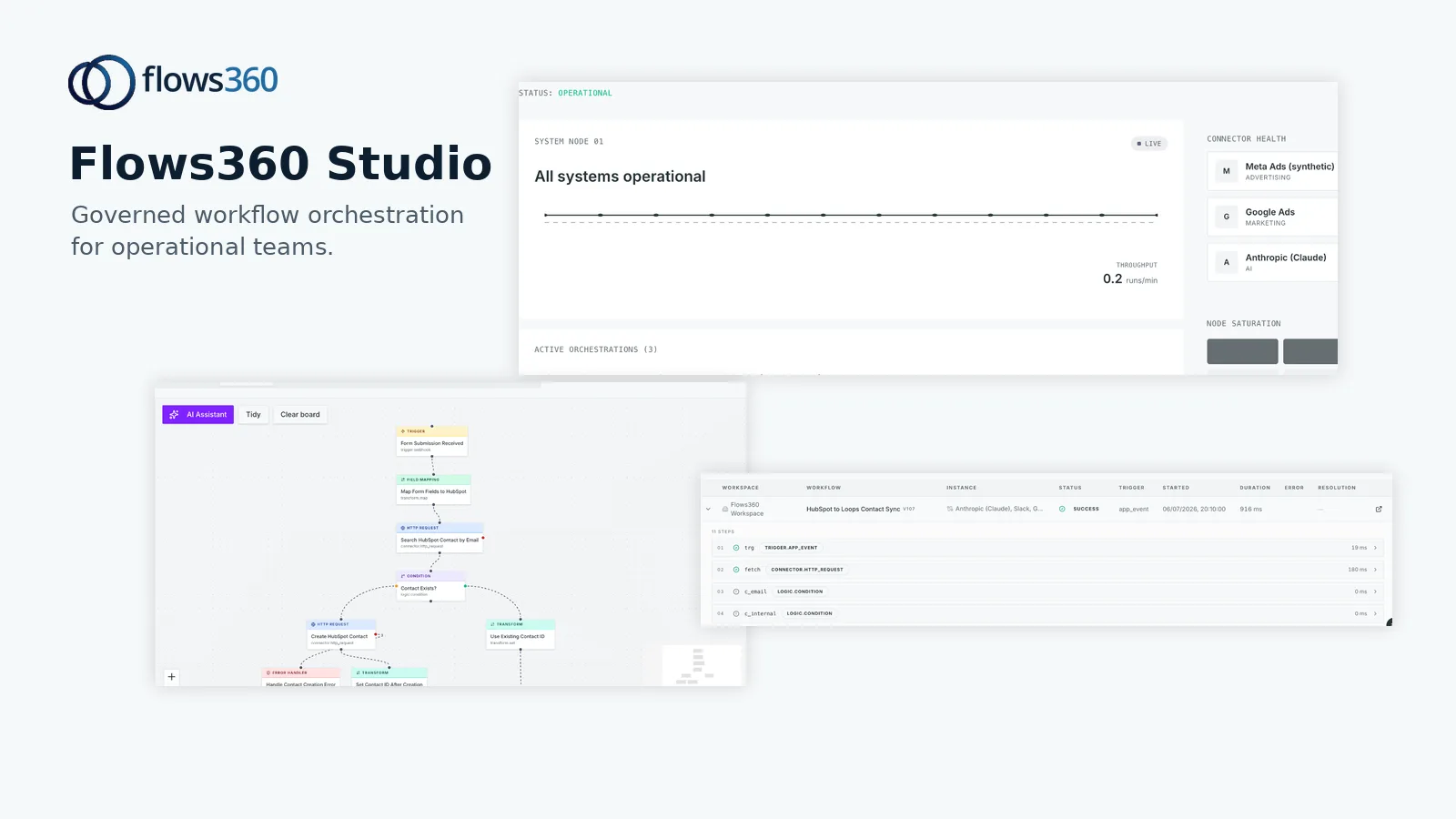
This is where Flows360 fits into the picture. It’s built to connect fragmented financial systems and automate the workflows that pull data, reconcile, and report, giving finance teams real-time visibility and a clear audit trail of every step.
Related: Governed AI for Financial Workflow Automation: Top 6 Platforms Ranked 2026
Balance Sheet and Account Reconciliation
Two reconciliation use cases matter most for finance teams: balance sheet reconciliation and account-level reconciliation.
Balance sheet reconciliation means ensuring your GL balances match your subsidiary ledgers, bank statements, and external records. This is tedious but critical. The best software standardizes how you reconcile each account type and automates the comparison.
Account reconciliation is narrower: matching individual GL accounts to their corresponding statements or sub-ledgers. For example, matching your “Cash” account to your bank statement, or “Accounts Receivable” to your AR aging.
Good software handles both. It also automates the process so you’re not manually creating reconciliation reports every month. You set up the rules once, and the system runs them automatically.
Consolidation and Reporting in One Platform

Many finance teams buy a reconciliation tool and keep a separate tool for consolidation and reporting. That’s inefficient and creates data silos.
Look for platforms that combine reconciliation with financial consolidation and reporting. Once your accounts are reconciled, you want to feed that data directly into consolidation, eliminate more manual steps, and produce your financial statements faster.
This integrated approach also means you’re working from a single source of truth. No version-control nightmares. No conflicting numbers across reports.
Scalability and Standardization
As your company grows, your reconciliation process either scales smoothly or becomes a bottleneck.
The best software scales across your organization. It lets you standardize how different teams or business units reconcile accounts, so everyone follows the same rules and process. It handles multi-entity consolidation without falling apart.
Scalability also means the tool can handle the volume. If you’re reconciling hundreds of accounts every month, the software needs to process that without slowing down.
Governance and Audit Trails
Finance teams need to prove that reconciliations happened, who approved them, and what the state of each account was on a specific date. Spreadsheets can’t do this reliably.
The best reconciliation software gives you deterministic, auditable processes. Every reconciliation is logged. You can see who created it, who approved it, what rules were applied, and what exceptions were resolved. This is non-negotiable for SOX compliance and financial audits.
When you’re evaluating options, ask how the platform handles approval workflows, exception escalation, and audit reporting. Flows360 is designed with this in mind, providing governed workflows and compliance controls so your reconciliation process is always traceable and verifiable.
See where your workflows are leaking time?
Invoice and Bill Management

Some platforms go beyond reconciliation and include invoice and bill management. If your finance team also handles AP or AR, this can be useful.
But don’t let feature creep distract you. The core reconciliation functionality matters more than a mediocre invoice tool. Pick a platform that excels at reconciliation first. If it handles invoices too, that’s a bonus.
SaaS-Specific Reconciliation Tools
If you’re a SaaS company, you have specific pain points: recurring revenue recognition, multi-currency transactions, usage-based billing reconciliation, and subscription accounting complexity.
Some reconciliation platforms specialize in SaaS finance. They understand ASC 606 revenue recognition, build in subscription accounting rules, and handle the unique data flows that come from billing systems, payment processors, and usage metering platforms.
If you’re a SaaS or tech company, look for tools designed for your industry. A generic reconciliation platform might work, but a purpose-built option will move faster and require less customization.
Choosing the Right Tool for Your Team
Start by mapping out your current reconciliation process. What systems do you pull data from? How many accounts do you reconcile? What’s the timeline for close? Where do discrepancies usually hide?
Then ask each tool vendor: Can you automate data collection from our systems? Can you standardize our reconciliation rules? Can you give us audit trails? Can you scale as we grow?
The best software reduces month-end close cycles, gives your team more time for analysis, and eliminates manual error. It also makes your finance process auditable and defensible.
If you’re managing multiple disconnected systems and your reconciliation process is still manual or fragile, it’s time to look at how a platform like Flows360 can unify your data flows and automate your close processes with full governance and visibility.
Key Capabilities to Compare
When you’re evaluating reconciliation software, use this checklist:
- Automated data collection from your GL, bank, and other sources
- Flexible matching rules that adapt to your accounting structure
- Exception handling and escalation workflows
- Real-time or scheduled reconciliation runs
- Approval workflows and audit trails
- Balance sheet and account-level reconciliation
- Multi-entity consolidation support
- Integration with your existing accounting software
- Reporting and analytics on reconciliation status
- Role-based access and permissions
The more of these boxes a platform checks, the more it will streamline your close process.
FAQs
What is financial reconciliation software used for?
Financial reconciliation software automates the process of matching transactions between your GL, bank statements, and other financial records. It flags discrepancies, helps your team resolve exceptions, and produces audit trails that prove reconciliation happened correctly. The goal is to reduce manual work, speed up financial close, and increase confidence in your numbers.
How much does reconciliation software cost?
Pricing depends on the platform, the number of accounts you reconcile, the volume of transactions, and how much customization you need. Enterprise solutions charge monthly or annually, often based on users or transaction volume. Mid-market platforms tend to be cheaper than large-scale systems. To find out what a specific tool costs, contact the vendor directly and ask for a quote based on your usage.
Can I use reconciliation software for multi-entity consolidation?
Many modern platforms combine reconciliation with consolidation. You can reconcile accounts across multiple entities, then feed that data into consolidation workflows to produce consolidated financial statements. This is more efficient than using separate tools and creates a single source of truth for your entire financial process.
Do I need custom integrations to connect my accounting system?
It depends on the tool and your accounting software. Many reconciliation platforms have pre-built connectors to common systems like NetSuite, SAP, and QuickBooks. If you use a niche or custom GL system, you may need custom API integrations. Ask vendors about connector availability before you buy, and factor custom integration work into your timeline and budget.
See where your workflows are leaking time?